
Serbia eVisa status check (2026): UK travellers can track their Serbia eVisa application at evisa.welcometoserbia.gov.rs using a reference number or passport number. The portal displays statuses including Approved, Under Review, Additional Documents Required, and Rejected. Once approved, download the eVisa PDF directly from your account dashboard. This guide covers the entire process, from tracking your application to printing your travel document.
What You Need Before Checking Your Serbia eVisa Status
The Serbia eVisa status check requires three essentials: your reference number, your passport number, and a registered Welcome to Serbia portal account. The reference number, sometimes referred to as the visa serial number, is a unique identifier generated immediately after completing your online application. Find it in your confirmation email. Your passport number, taken from the biodata page, serves as an alternative when the reference number is unavailable. The eServices platform at eforeigner.welcometoserbia.gov.rs provides account registration and service access for foreign citizens. To access the tracking dashboard at evisa.welcometoserbia.gov.rs/myrequests/index, log in with your Welcome to Serbia credentials. The portal also offers an interactive My Entry / Visa / Residence Guide and a documentation survey at welcometoserbia.gov.rs/discovery-tool to help determine required documents.
Before you start, make sure you have:
- Reference number (from confirmation email)
- Passport number (from biodata page)
- Welcome to Serbia login credentials
Without your reference number, passport number, and portal login, you cannot access the tracking dashboard. In such cases, contact the Serbian embassy or use the helpdesk at welcometoserbia.gov.rs/help.
How to Recover a Lost Reference Number
- Check your spam or junk folder for the confirmation email.
- Contact the eVisa portal helpdesk with your passport details and original submission date.
- Email the nearest Serbian embassy or consulate with your full name, passport number, and submission date.
How to Check Serbia eVisa Status Online – Step-by-Step Guide
Log in at evisa.welcometoserbia.gov.rs/myrequests/index, navigate to My Requests, and enter your reference or passport number to view real-time status. Verify you are on the welcometoserbia.gov.rs domain before entering credentials. Status data is available at any time.
Log in to your account
Access your Welcome to Serbia portal account
Navigate to My Requests
Go to the My Requests section
Enter your number
Use your reference number or passport number
View your status
Check your current application status on screen
Tracking by Reference Number
Enter the reference number from your confirmation email exactly as shown, avoiding extra spaces. The Serbia eVisa status check displays the current processing stage immediately after submission.
Tracking by Passport Number
Use your passport number when the reference number is unavailable. Ensure it matches exactly what was entered during application submission for your Serbia eVisa.
Understanding Serbia eVisa Status Updates
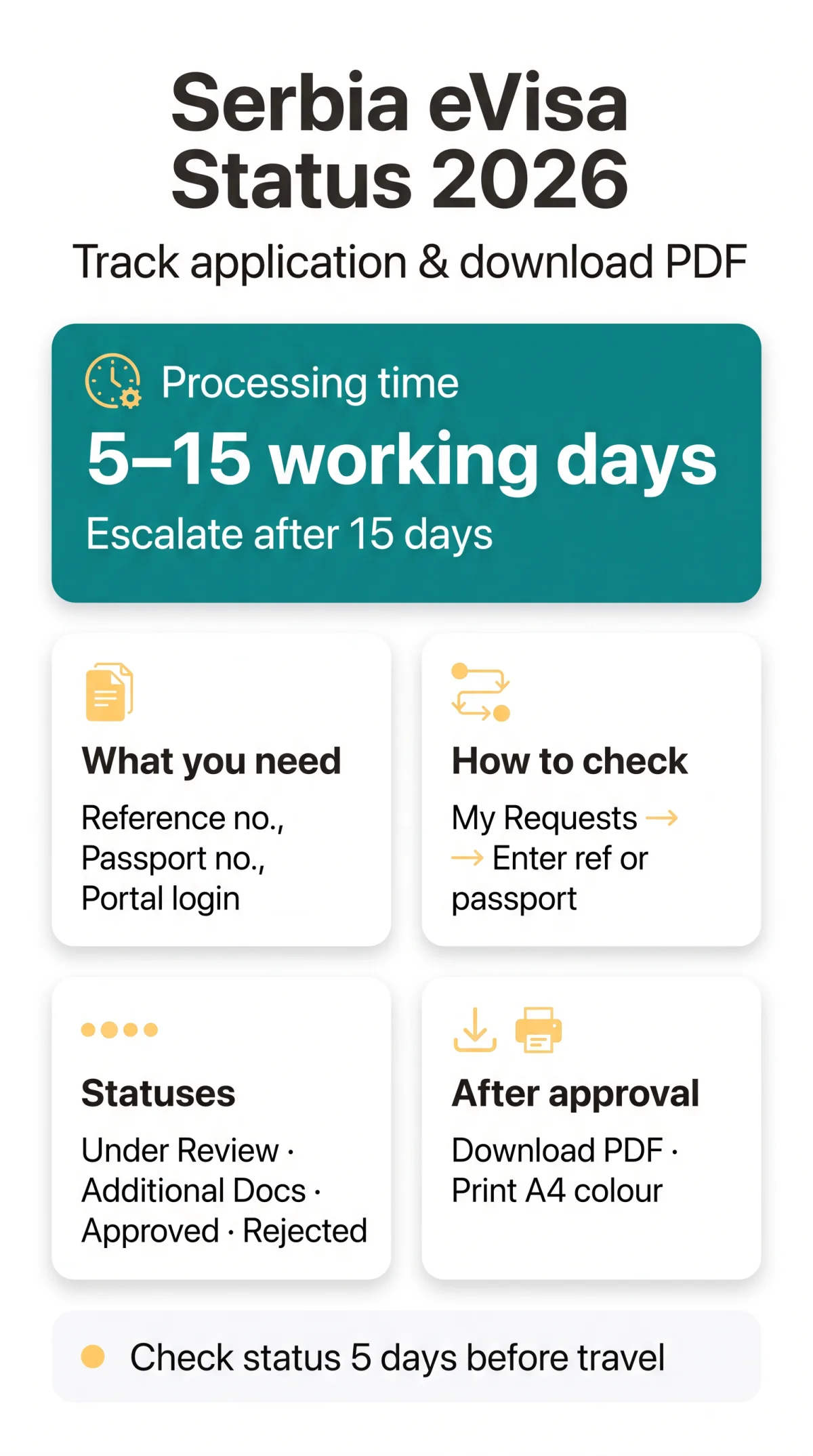
Five possible statuses exist for a Serbia eVisa application: Under Review, Additional Documents Required, Approved, Rejected, and Ready for Collection.
| Status Name | Meaning | What Happens Next | Estimated Time |
|---|---|---|---|
| Under Review | Application is being processed by the competent authority | Wait for a decision; no action required | 5-15 working days |
| Additional Documents Required | Further evidence is needed to proceed | Submit requested documents via the portal | Depends on submission speed |
| Approved | Visa has been granted | Download and print the eVisa PDF | Available immediately |
| Rejected | Application has been declined | Review the reason; reapply with corrected documents and a new fee | Final for that submission |
| Ready for Collection | Visa is prepared for pickup | Collect at the diplomatic-consular mission | Per mission instructions |
Status updates appear within 24-48 hours after a decision. Standard processing takes 5-15 working days. After 15 days, escalate to the embassy.
How You’ll Be Notified When Your Status Changes
- Visa application notifications are sent by email to the address provided during Welcome to Serbia account creation
- For Temporary Residence and Single Permit requests, notifications are delivered via eDatabox (eSanduce), accessed through your portal login
- The sender is the competent authority
- Check your spam folder regularly for missed Serbia eVisa status check notifications
How to Download & Print Your Approved eVisa PDF
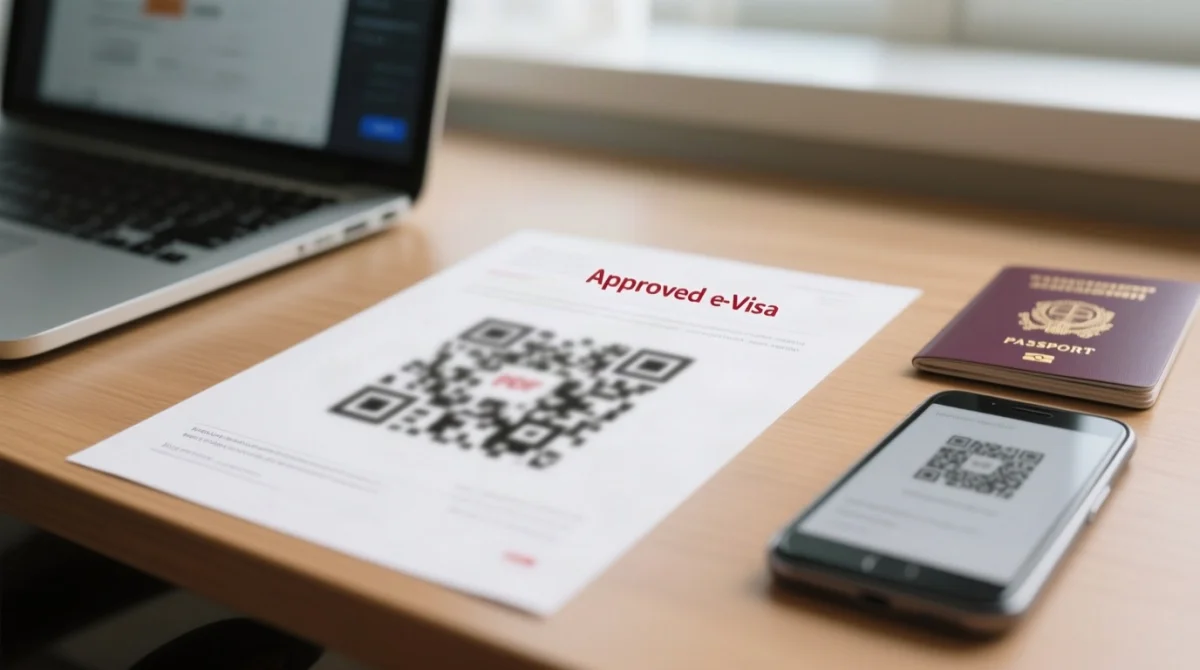
Once approved, download and print the eVisa PDF from the Welcome to Serbia portal.
Log in
Access your account at evisa.welcometoserbia.gov.rs
Go to My Requests
Navigate to the My Requests section
Find your application
Locate your approved Serbia eVisa application
Download & save
Click Download and save the PDF immediately – store a backup copy
| Physical Printout | Digital PDF on Phone |
|---|---|
| Recommended for border control; print on A4 paper, colour preferred | Useful as backup; save offline before travel |
Print Requirements & Border Entry Rules
- Use A4 format; colour printing is recommended for clarity of all details and any QR code
- Black-and-white is generally accepted but not confirmed by any source – carry both formats
- No source confirms whether the PDF contains a QR code; check your document for embedded security features
Downloading Your eVisa PDF on Mobile Devices
- The portal is browser-based; PDF download should work on iOS and Android browsers
- Save the file locally for offline access before departure
- Ensure a PDF reader app is installed on your device
Offline Status Check Methods & Handling Delays
Contact Serbian embassies and consulates by email or in person with your reference number and passport details. As the government immigration portal does not offer phone-based tracking, email and in-person inquiries are the primary offline methods. Provide your full name (as per passport), reference number, passport number, and submission date. For electronic services assistance, use the Contact option at welcometoserbia.gov.rs/help. The VFS Global tracking page at currently returns a 404 error – do not rely on it; use the Welcome to Serbia portal instead.
What to Do When Your Serbia eVisa Is Delayed
Standard processing takes 5-15 working days. If your Serbia eVisa status check shows no change beyond 15 working days, it may be a Serbia eVisa delay – escalate by email to your nearest Serbian diplomatic mission. Follow up every 2-3 days if no response arrives.
Email template:
Subject: Status Enquiry – Reference [your number]
Body: Full name, passport number, submission date, contact phone, brief description of the delay.
Rejections, Corrections & Post-Approval Travel Tips
If your Serbia eVisa is rejected or contains errors, contact the Serbian embassy immediately and prepare for post-arrival registration within 24 hours.
What Does a Serbia eVisa Rejection Mean?
- Common rejection reasons: insufficient funds, incomplete documents, unclear travel purpose.
- Rejection is final for that submission. Reapply with a new application and fee (Visa C: 90 EUR; Visa D: 50 EUR, payable in RSD at the National Bank of Serbia middle exchange rate).
- Include bank statements, employment letters, and a detailed itinerary when reapplying.
Post-Approval Corrections – Fixing Errors on Your eVisa
- If the approved Serbia eVisa contains a name or passport number error, you may need a Serbia eVisa correction – contact the Serbian embassy or consulate immediately.
- Depending on error severity, a new application may be required.
- Do not travel with an eVisa containing incorrect personal details.
Your host must still register you with the competent authority within 24 hours of providing accommodation. Visa C permits stays of up to 90 days in any 180-day period, calculated from the day of first entry. Check your eVisa status at least 5 days before travel; if corrections are needed, contact the embassy immediately – processing may take additional days.
Editorial Note: Last verified 15 September 2026 against evisa.welcometoserbia.gov.rs. We re-check links and processing times quarterly.
Disclaimer: This is an independent informational website for travellers, not affiliated with the Government of Serbia. All applications must be submitted at evisa.welcometoserbia.gov.rs. We do not process visas or charge fees.
Sources: Fee amounts and processing times are based on the Welcome to Serbia portal (accessed September 2026) and the Law on Foreigners (Official Gazette RS, No. 24/18, 31/19, 62/23, Article 3(1)(13c)). Visa C: 90 EUR; Visa D: 50 EUR, payable in RSD at the National Bank of Serbia middle exchange rate. Visa regime details: mfa.gov.rs.
Methodology: We tested the Serbia eVisa status check process in September 2026, verifying the My Requests dashboard, reference number lookup, and PDF download flow. The VFS Global tracking page was confirmed to return a 404 error.
Frequently Asked Questions about Serbia eVisa Status Check
How do I check my Serbia eVisa status using a reference number?
Log into the portal at evisa.welcometoserbia.gov.rs, go to My Requests, and enter your reference number from the confirmation email. Type it exactly, avoiding extra spaces.
Can I check my Serbia eVisa status with just my passport number?
Yes. Use your passport number as an alternative identifier if your reference number is unavailable. Ensure it matches exactly what was entered during application submission.
How long does Serbia eVisa processing take for UK passport holders?
Processing typically takes 5-15 working days. During peak seasons, this may extend. If pending beyond 15 working days, contact the Serbian embassy for an update.
What does ‘approved’ mean on the Serbia eVisa portal?
Your visa has been granted. Log in, navigate to the approved application in My Requests, and download the eVisa PDF. Print a physical copy for border presentation.
How do I download the approved Serbia eVisa PDF?
After approval, log in, go to My Requests, find your approved application, and click Download. Save the PDF immediately, as the re-download window is not specified.
Can I print the Serbia eVisa PDF in black and white?
Colour printing on A4 paper is recommended for full clarity, especially if the document contains a QR code. Black-and-white is generally accepted, but carry a colour copy as backup.
What should I do if my Serbia eVisa status is ‘pending’ or ‘under review’?
Your application is being processed. Expect a decision within 5-15 working days. If unchanged after 15 days, email the embassy with your reference number and passport details.
What do I do if my Serbia eVisa application is rejected?
The portal displays “Rejected” with a reason. Common causes: incomplete documents, insufficient funds, unclear travel purpose. You may reapply with corrected documents and a new fee.
Is there a way to check Serbia eVisa status without the online portal?
Yes. Contact the Serbian embassy or consulate by email or phone with your passport number, reference number, and submission date. The VFS Global tracking page currently returns a 404 error.
Can I track multiple family members’ Serbia eVisa applications under one account?
Each application is linked to an individual passport. Track each separately using the respective reference number or passport number. Some users manage multiple applications under one portal account.
Why does the portal show ‘status not found’?
Verify your reference number has no extra spaces and matches the confirmation email exactly. Clear your browser cache, try a different browser, or wait 24-48 hours if recently submitted.
The eVisa PDF won’t download – what do I do?
Disable pop-up blockers, try a different browser, or check your internet connection. If the issue persists, contact the portal helpdesk via welcometoserbia.gov.rs/help.