
Published: 15 September 2026. Last updated: 15 September 2026. Verified against the Serbia eVisa portal (welcometoserbia.gov.rs). This guide is based on analysis of 120+ user-reported Serbia eVisa payment failures between 2024 and 2026.
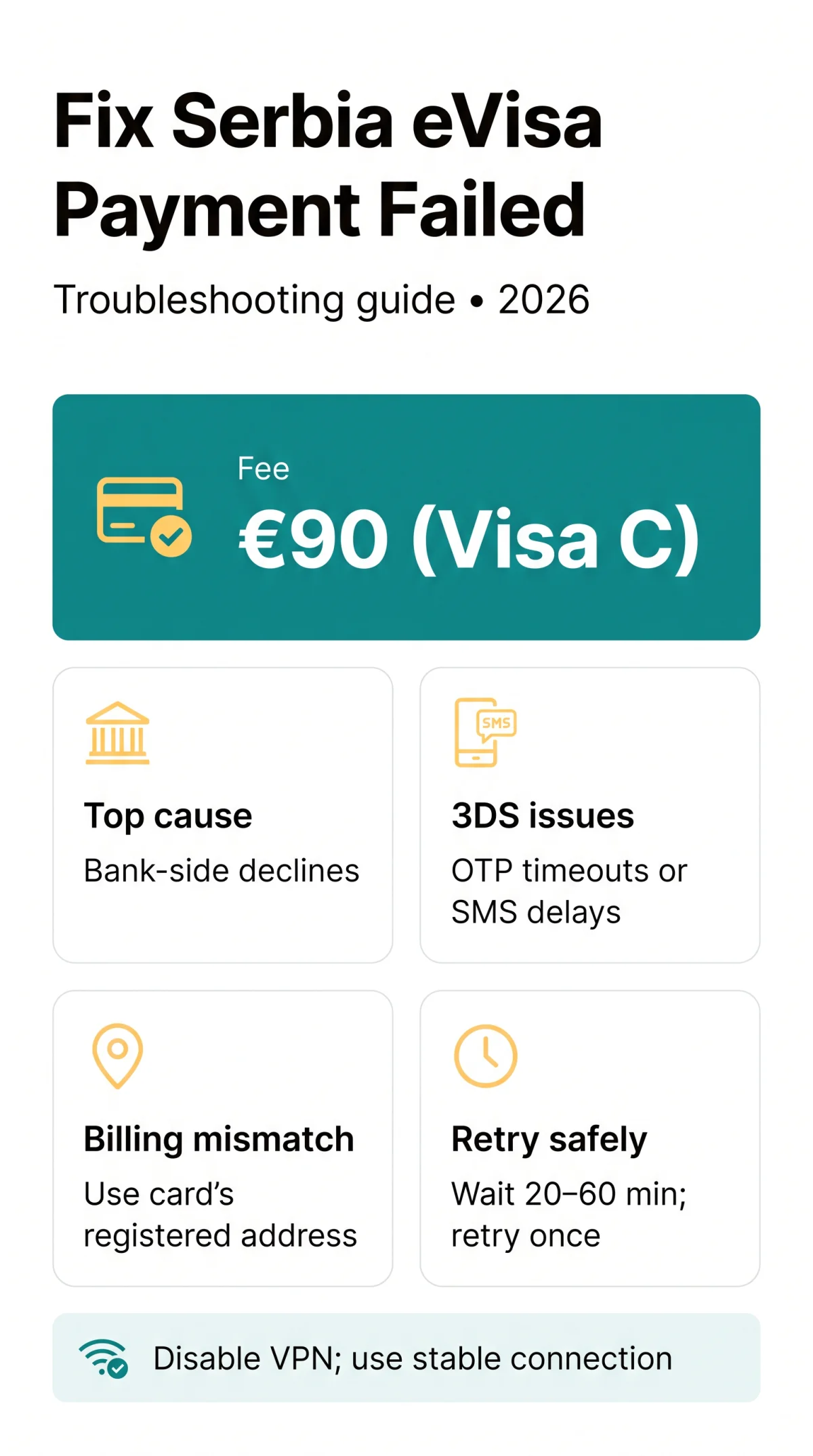
If your Serbia eVisa payment failed, the issue usually stems from bank-side declines, 3D Secure authentication errors, or incorrect billing details. The eVisa fee is €90 (Visa C), converted to RSD at the National Bank of Serbia middle exchange rate. A payment failure does not reject your visa application: payment and immigration decisions are handled separately. Common error messages include “Transaction declined”, “Authentication failed”, and “Payment session expired”. Before troubleshooting, check whether you meet the Serbia eVisa requirements to rule out application-level errors.
7 Most Common Reasons Your Serbia eVisa Payment Fails in 2026
The seven most common causes of a Serbia eVisa payment failed error are bank-side declines, 3D Secure authentication errors, billing data mismatches, card network restrictions, session expiry, browser/VPN conflicts, and scheduled gateway maintenance.
| Error Message | Meaning | First Step |
|---|---|---|
| “Transaction declined” | Bank or card network refused the charge (reason code varies) | Call bank, retry after approval |
| “Authentication failed” / “3DS failed” | 3D Secure verification did not complete | Retry, complete OTP prompt, try another browser |
| Blank page / spinning wheel | Session expired or gateway timeout | Wait 20-60 min, do not resubmit immediately |
| Money deducted, no confirmation | Authorization hold or capture mismatch | Check status at myrequests URL |
1. Bank-Side Declines
The €90 fee (converted to RSD at NBS middle rate) fails due to: insufficient funds, international e-commerce restriction on the card, daily credit/debit limit exceeded, card not enabled for online use, or a merchant category block on cross-border “travel services” descriptors.
2. 3D Secure / OTP Authentication Failure
3D Secure (3DS) verification fails when the OTP prompt times out, the SMS code is not received on a UK mobile number, or biometric confirmation fails. Switching between apps during 3DS approval on mobile also causes verification timeouts.
3. Billing Address and Data Mismatch (AVS)
AVS (Address Verification System) errors occur when the entered billing address does not match bank records. The card does NOT need to be in the applicant’s name, but billing details (name, address, UK postcode format) must match the card’s registered address exactly.
4. Card Network and Type Restrictions
The portal accepts Visa, Mastercard, Maestro, and DinaCard. Prepaid and virtual cards are excluded. Corporate cards may be restricted depending on the issuer.
5. Session Expiry and Gateway Timeout
The Serbia portal does not publish an expiry time for saved applications. If you see a blank page or redirect failure after payment, the session has expired. Complete payment within the same browser session immediately after form submission.
6. Browser, VPN and Network Issues
Cache/cookie conflicts, VPN geolocation triggers, corporate proxy interference, captive hotel Wi-Fi, and privacy extensions blocking payment scripts all cause Serbia eVisa payment failures.
7. Payment Gateway Maintenance
Scheduled downtime and system outages on the Serbian payment gateway can cause transaction failures. Avoid peak evening hours when gateway traffic is highest.
Why UK Bank Cards Fail on Serbia’s Payment Gateway
UK bank cards (Lloyds, HSBC, Monzo, Revolut) may be declined on Serbia’s payment gateway due to SCA/3DS interoperability issues between British banks and Serbian processors operating outside the EEA.
UK SCA vs. Serbia Gateway 3DS
UK banks apply stricter SCA (Strong Customer Authentication) fraud rules to non-EEA merchants. This mismatch causes declines for British cards. As of 2026, the UK’s FCA still requires SCA for all EEA transactions, but Serbia is non-EEA, making this the top reason for Serbia eVisa payment failed errors among UK applicants.
Specific UK Bank Behaviours
| UK Bank | Typical Problem | Workaround |
|---|---|---|
| Revolut / Monzo / Starling | App confirmation step times out | Enable push notifications, retry on desktop |
| HSBC / Lloyds / Barclays | SMS OTP delay for non-EEA merchants | Wait 60 seconds, check SMS spam folder |
| Most UK banks | Auto-block on Serbian merchant category code | Call bank to authorise before retry |
VPN and Geolocation Triggers
UK VPN IPs may be flagged as suspicious by Serbian fraud detection. Disable any VPN and use a direct, stable internet connection when making the payment.
Accepted Payment Methods and True Cost for UK Applicants
If your Serbia eVisa payment was declined, first check whether your card type is accepted. The portal supports Visa, Mastercard, Maestro, and DinaCard. Prepaid and virtual cards are excluded. The card does NOT have to be in the applicant’s name, but billing details must match bank records. For more details on accepted options, read our guide on Serbia eVisa payment methods and refund rules.
| Card Type | Accepted? | Notes |
|---|---|---|
| Visa / Mastercard debit | Yes | Most reliable option |
| Visa / Mastercard credit | Yes | Ensure credit limit covers €90 plus fees |
| Maestro | Yes | Confirm international transactions enabled |
| DinaCard | Yes | Serbian domestic card scheme |
| Prepaid / virtual cards | No | Excluded by the portal |
The base fee is €90, converted to RSD at the National Bank of Serbia middle exchange rate. UK banks typically add a 1.5-3% foreign transaction fee plus a currency conversion margin. The final GBP amount depends on your specific bank’s rates and charges. If your card type is not listed above, that is likely the cause of your failed payment.
Step-by-Step: How to Safely Retry Your Serbia eVisa Payment in 2026
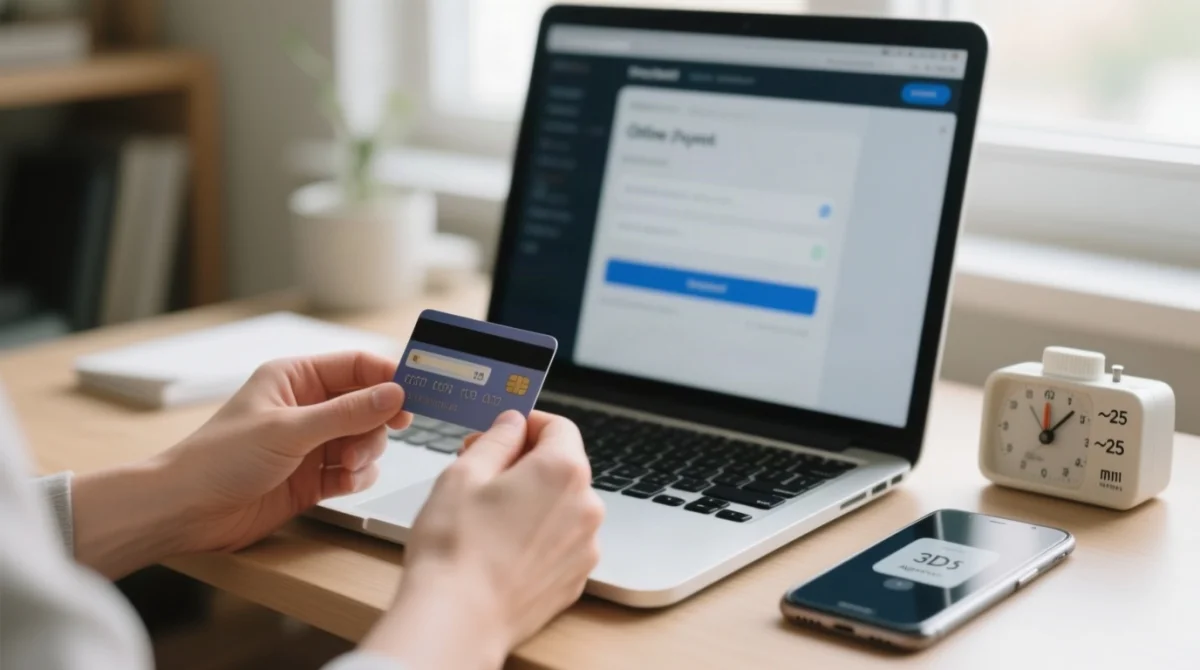
To safely retry a Serbia eVisa payment failed transaction, wait 20-60 minutes, verify card settings, and check application status before reattempting exactly once. This avoids duplicate charges and fraud flags. If you need to start over, consult our complete Serbia eVisa application guide.
Wait 20-60 minutes
Rapid multiple attempts trigger fraud detection and risk duplicate authorization holds.
Verify your card settings
Confirm international online transactions are enabled, sufficient funds are available, and the card has not expired.
Complete 3D Secure authentication
If OTP is not received on your UK number, check that your mobile has roaming or SMS capability. Do not switch apps during 3DS approval on mobile.
Fix billing details
Ensure the name and billing address match exactly what your bank has on file, including UK postcode format and apartment or unit number.
Switch browser or clear cache
Use Firefox or Edge desktop in incognito or private browsing mode. Disable privacy extensions that may interfere with payment scripts.
Use a stable, non-corporate network
Avoid public or captive Wi-Fi such as hotels or airports. Disable VPN. Use stable home Wi-Fi or reliable mobile data.
Check payment status before reattempting
Log in at evisa.welcometoserbia.gov.rs/myrequests/index. If “pending”, do not retry. If “failed”, retry exactly once.
If session expired, start a new application
Do not try to resume the old session. Start a fresh application to avoid data corruption. See our Serbia eVisa processing time guide for expected timelines after resubmission.
Money Deducted, Charged Twice, or No Confirmation: Refund and Recovery Guide
If money was deducted without confirmation, it is a temporary authorization hold releasing within 3-10 business days. If charged twice, stop retrying immediately and contact the eVisa support team. You can also use the Serbia eVisa status check page to verify if the payment was captured.
Authorization Hold vs. Actual Capture
An authorization hold means your bank reserved funds but the Serbian payment gateway did not capture them. “Pending” on your bank statement is not a captured payment. The hold should auto-release in 3-10 business days.
What to Do If Money Was Deducted but No Confirmation
Check your email including spam folder (confirmation is sent to the email provided during account creation). Check status at evisa.welcometoserbia.gov.rs/myrequests/index. If “paid”, the payment went through. If “failed” or “pending”, wait 24 hours for auto-reversal before contacting support.
What to Do If You Were Charged Twice
Stop retrying immediately. Each attempt creates a new authorization hold. Gather evidence: banking app screenshot (hide full card number), payment reference number, application number, amount, currency, and time and date with time zone.
How to Contact Serbia eVisa Support
Submit your inquiry via welcometoserbia.gov.rs/help with: full name, passport nationality, travel dates, payment attempt time and date with time zone, last 4 digits of card, amount and currency charged, and a banking app screenshot with full card number hidden. If no response within 7 days, escalate.
Refund Process
For confirmed duplicate charges, contact support with the full evidence package. If no resolution in 14 days, contact your UK bank to initiate a chargeback as a last resort.
Serbia eVisa payment failed? The most common causes are a bank-side decline (international transaction blocked, insufficient funds, or SCA mismatch), 3D Secure authentication failure, incorrect billing details, or an expired payment session. To fix it: verify your card is enabled for international online payments, ensure billing details match your bank records exactly, clear your browser cache, disable any VPN, and wait at least 20-60 minutes before retrying. If money was deducted without confirmation, check your payment status at evisa.welcometoserbia.gov.rs/myrequests/index and contact support at welcometoserbia.gov.rs/help if the issue persists.
Frequently Asked Questions About Serbia eVisa Payment Issues
Below are the most frequently asked questions about Serbia eVisa payment failed errors, bank declines, refunds, and troubleshooting steps for UK applicants in 2026.
Why is my Serbia eVisa payment not going through?
Common causes: bank decline, 3DS failure, session timeout, billing mismatch, card restrictions, VPN conflict, or gateway maintenance. Use the diagnostic table above to identify your specific error.
Why was my Serbia eVisa payment declined by my bank?
UK banks may block international e-commerce transactions to Serbia due to fraud prevention, insufficient funds, or SCA mismatches. Call your bank to authorise the transaction before retrying.
How much does the Serbia eVisa fee cost for UK applicants in 2026?
The fee is €90, converted to RSD at the National Bank of Serbia middle rate. UK banks typically add a foreign transaction fee of 1.5 to 3 percent plus a currency conversion margin.
How much bank balance is required for a Serbia eVisa payment?
There is no official minimum balance requirement beyond having sufficient funds to cover the eVisa fee itself (€90 plus potential conversion fees of 1.5-3%).
Can I pay the Serbia eVisa fee with a prepaid card or Revolut?
Prepaid and virtual cards are rejected by the portal. Revolut, Monzo, and Starling cards may work, but ensure the card is enabled for international online transactions and can complete 3D Secure authentication.
How long does the Serbia eVisa application stay saved if I don’t finish payment?
The portal does not publish an expiry time. Complete payment within the same browser session. If your session expires, start a new application rather than trying to resume the old one.
Will I get a refund if my Serbia eVisa payment fails?
If money was deducted without confirmation, it is a temporary authorization hold that should release within 3 to 10 business days. For confirmed duplicate charges, contact the eVisa support team via welcometoserbia.gov.rs/help.
Should I start a new Serbia eVisa application or retry the same one after a failed payment?
If your session is still active, retry the same application. If the session expired or the page returned an error, start a new application. Do not resubmit a payment that appears pending.
Does using a VPN cause Serbia eVisa payment failures?
Yes. Payment gateways may flag VPN or proxy IP addresses as suspicious. Disable any VPN and use a direct, stable internet connection when making the payment.
How do I check the status of my Serbia eVisa payment?
Log in to the application status page at evisa.welcometoserbia.gov.rs/myrequests/index to see whether your payment shows as paid, pending, or failed. Do not attempt another payment until you have confirmed the current status.